
ClearCue
Editing feels easier when timing is visible.
A precision timing system for shaping rhythm, pacing, and cinematic flow.
What’s a ClearCue™?
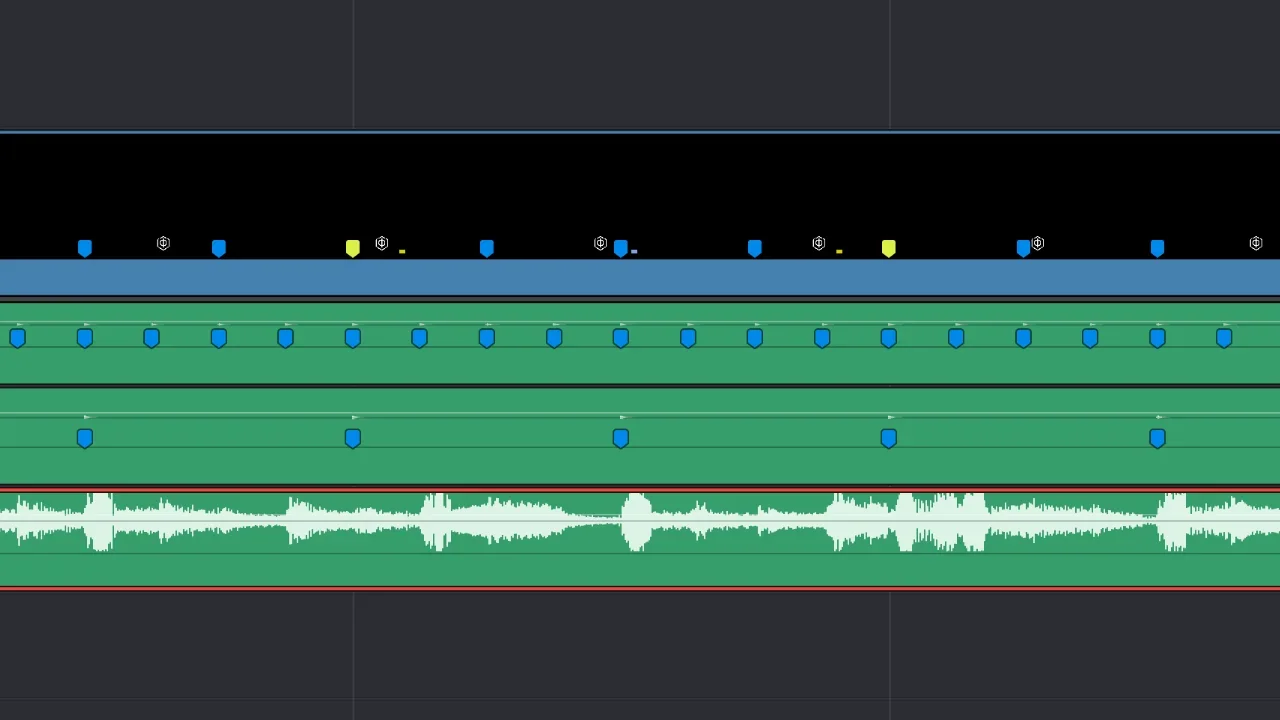
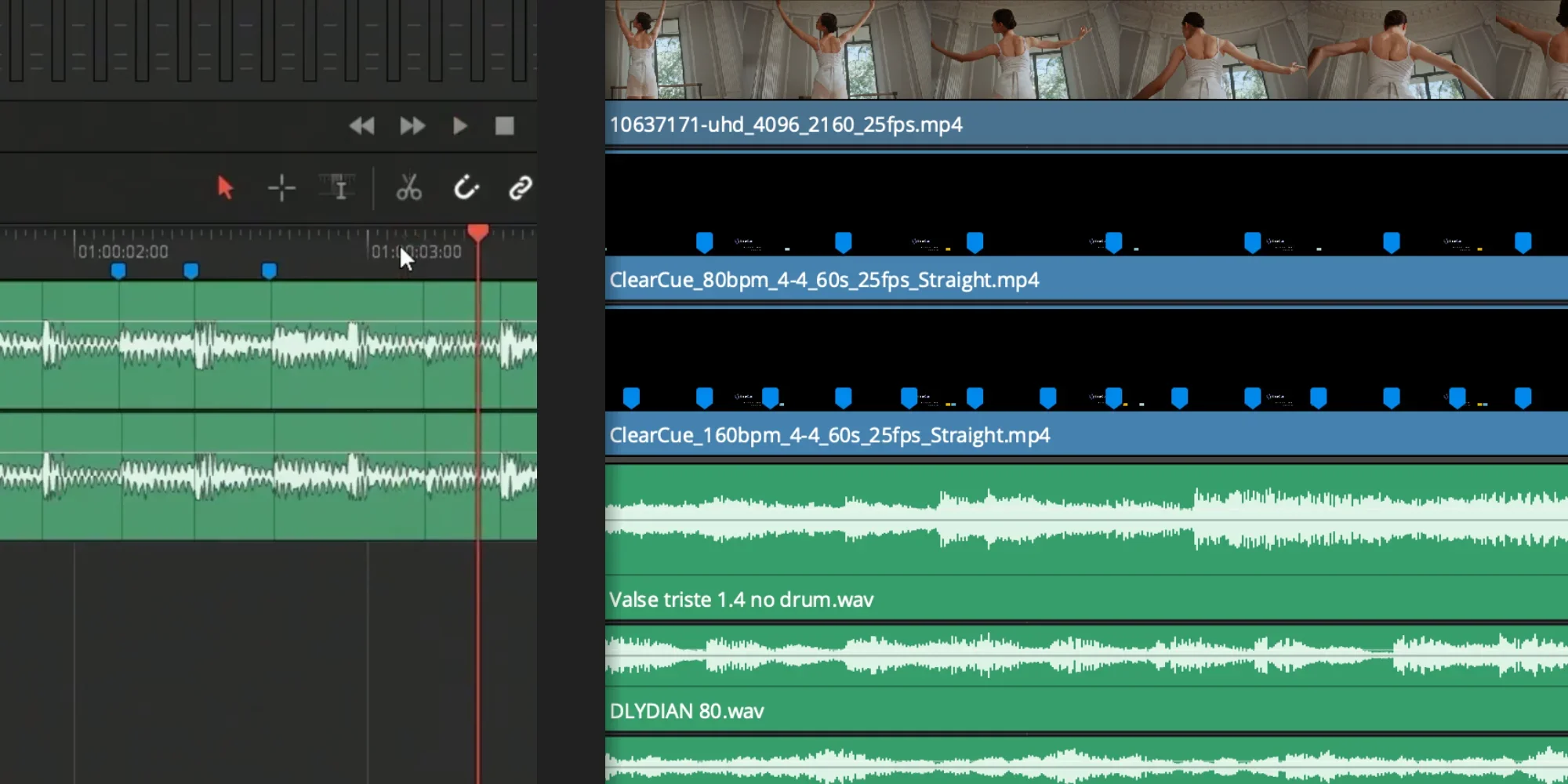
ClearCue creates a visible timing architecture directly inside the timeline. Choose a pattern, set the tempo and time signature, then generate. Drag it into your edit and cut directly against visible timing instead of guessing pacing or relying on music. ClearCue externalises timing structure so pacing can be shaped visually rather than mentally reconstructed during the edit process.
ClearCue turns timing structures into a visible editing reference so pacing, rhythm, and movement can be designed directly inside the timeline.
Shape Timing Visually
Shape edits against visible timing architecture rather than mentally tracking pacing across the sequence.
ClearCues Are MP4’s
Import ClearCues directly into your editor like any normal media clip. No plugins. No setup. No compatibility headaches.
Design Timing Directly
See timing directly in the timeline instead of hunting waveforms or guessing where cuts should land.
Layer Timing Structures
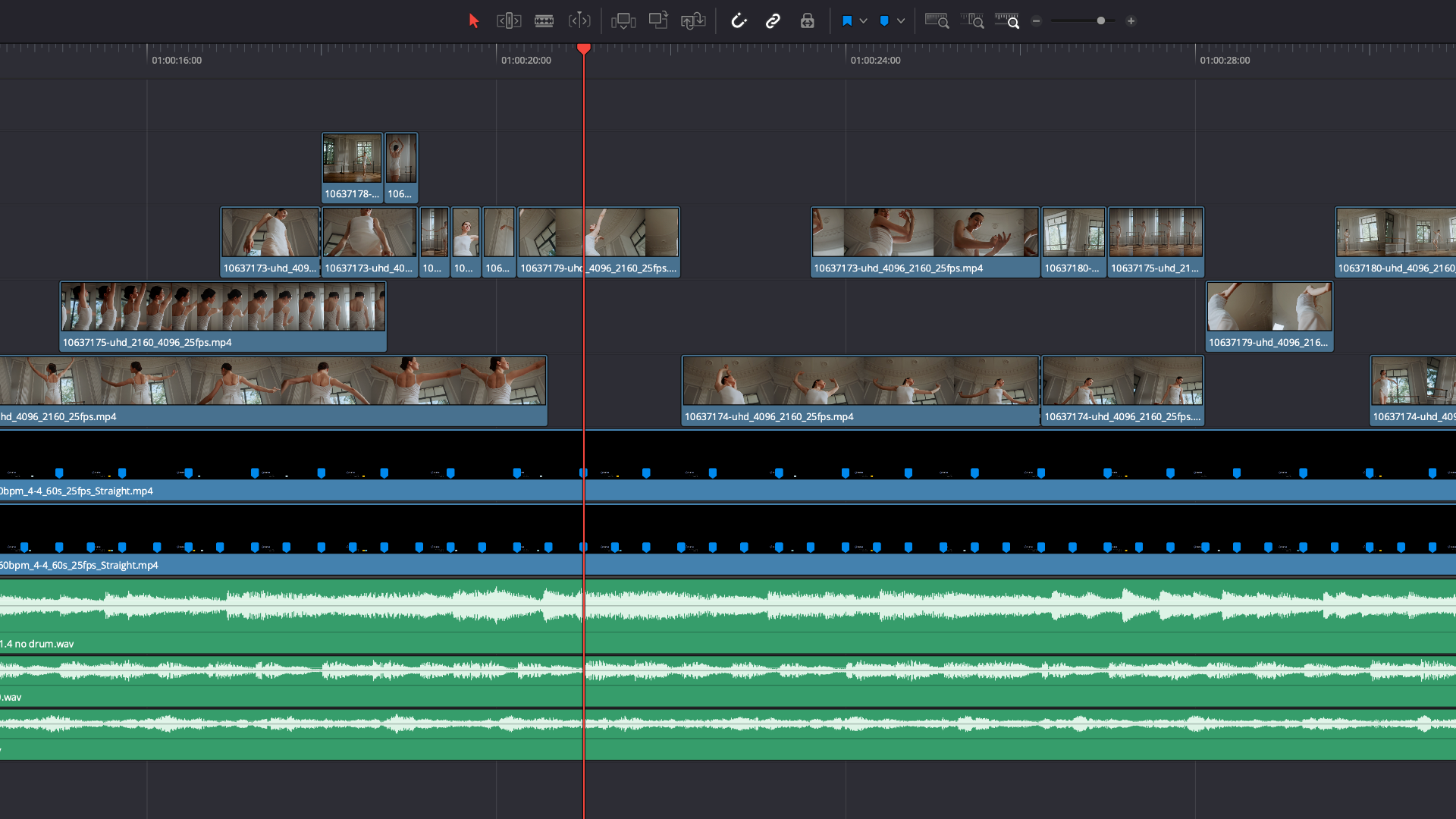
Stack the Cues and combine different timing guides to experiment with pacing, structure, and movement inside the same edit.
Maintain Temporal Flow
Keep momentum while editing. ClearCue helps reduce mental load by giving you a consistent visual timing reference throughout the sequence.
Revise Edits Easily
When timing is already structured, changing music or reshaping edits becomes faster and less destructive.
A Structured Workflow
Stack timing guides directly in your timeline
Test pacing instantly
Keep what works. Remove what doesn’t
No guessing. No overthinking.
ClearCues are MP4’s; they can be cut, saved, copied, and stacked. No AI anywhere!
Timing Structures
Timing structures generated from tempo, signature, and frame rate.

Straight
Reference
Even, unmodified timing.
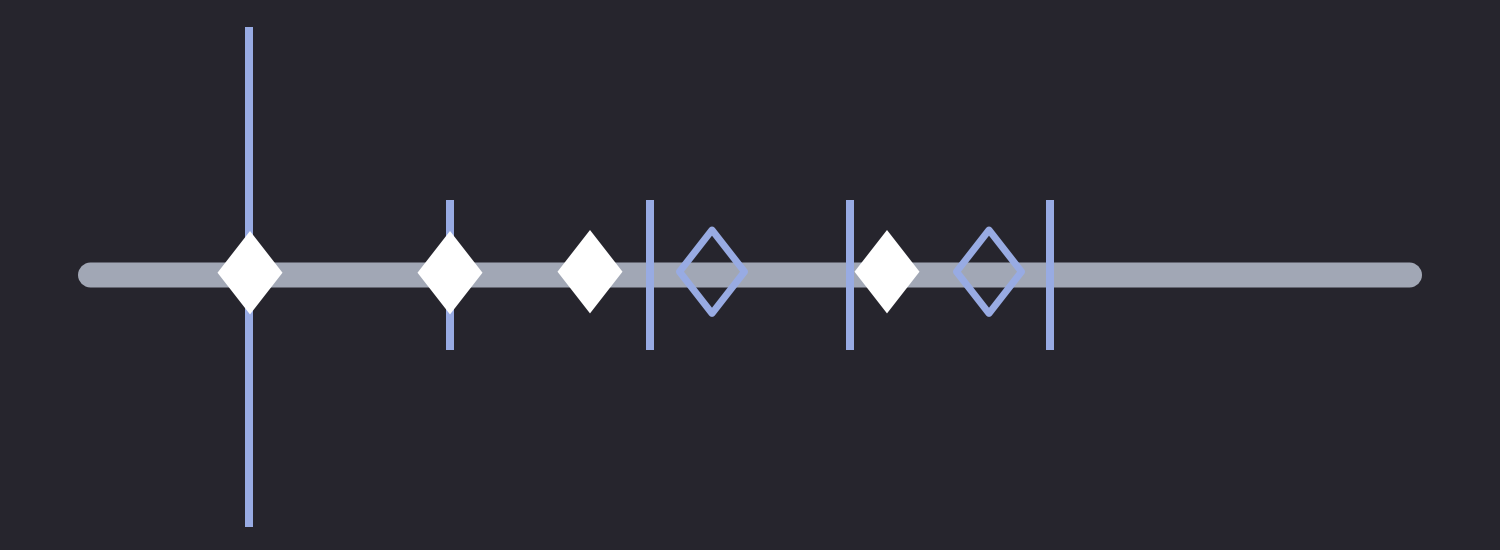
Tension
Compression
Reduced spacing between events
Offset
Displacement
Asymmetric displacement
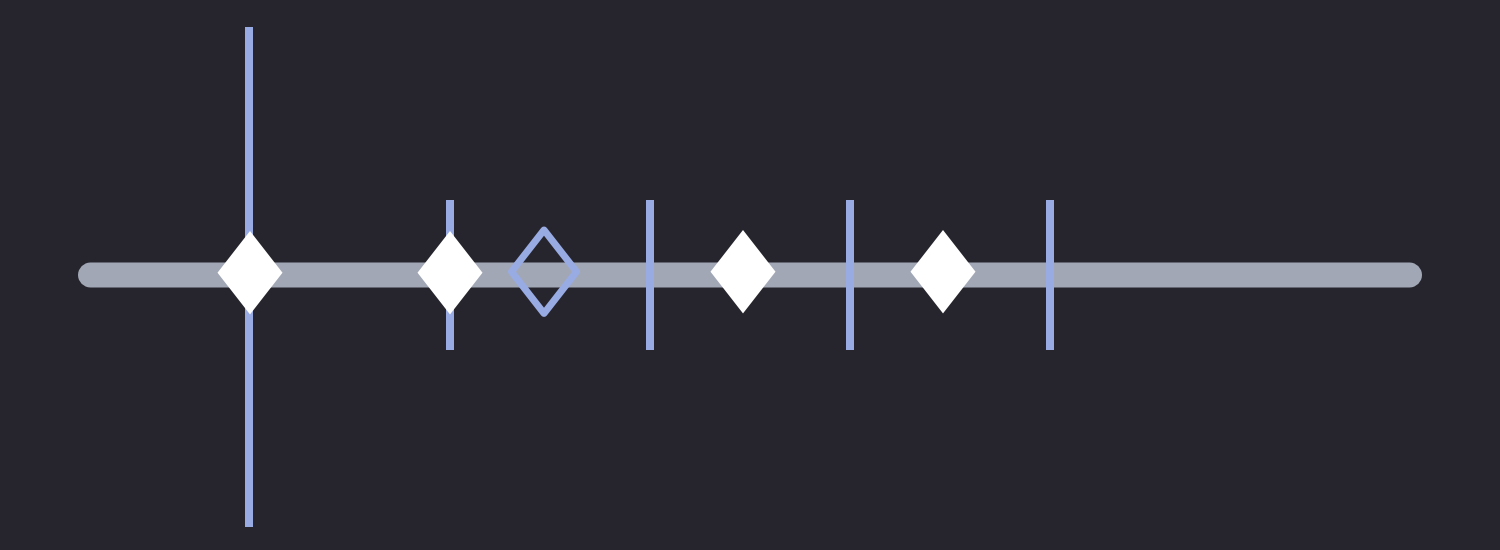
Mosaic
Pattern
Repeating intervals
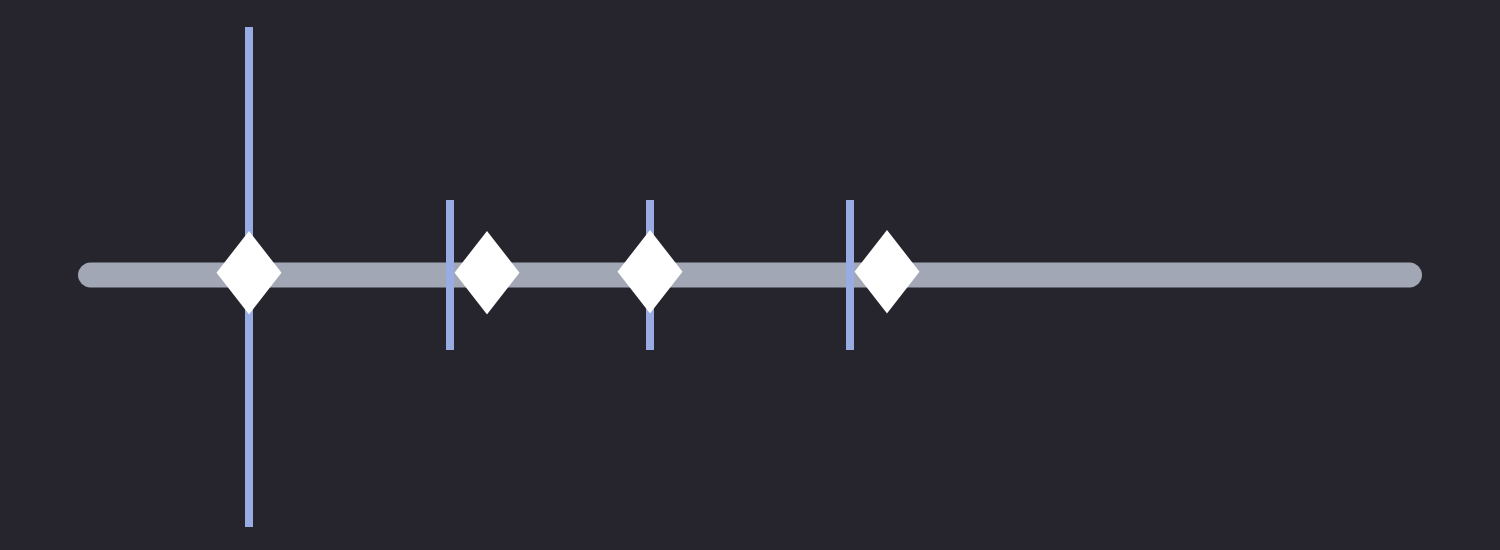
Drift
Delay
Delay relative to grid
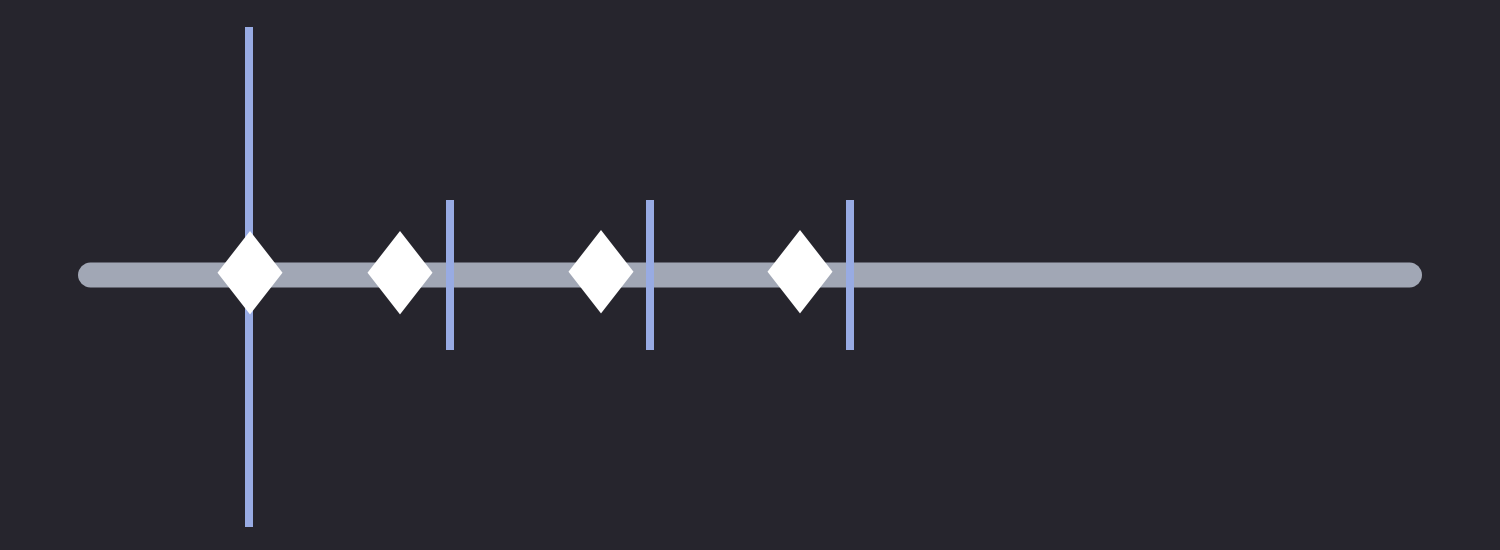
Push
Advance
Forward shifted timing
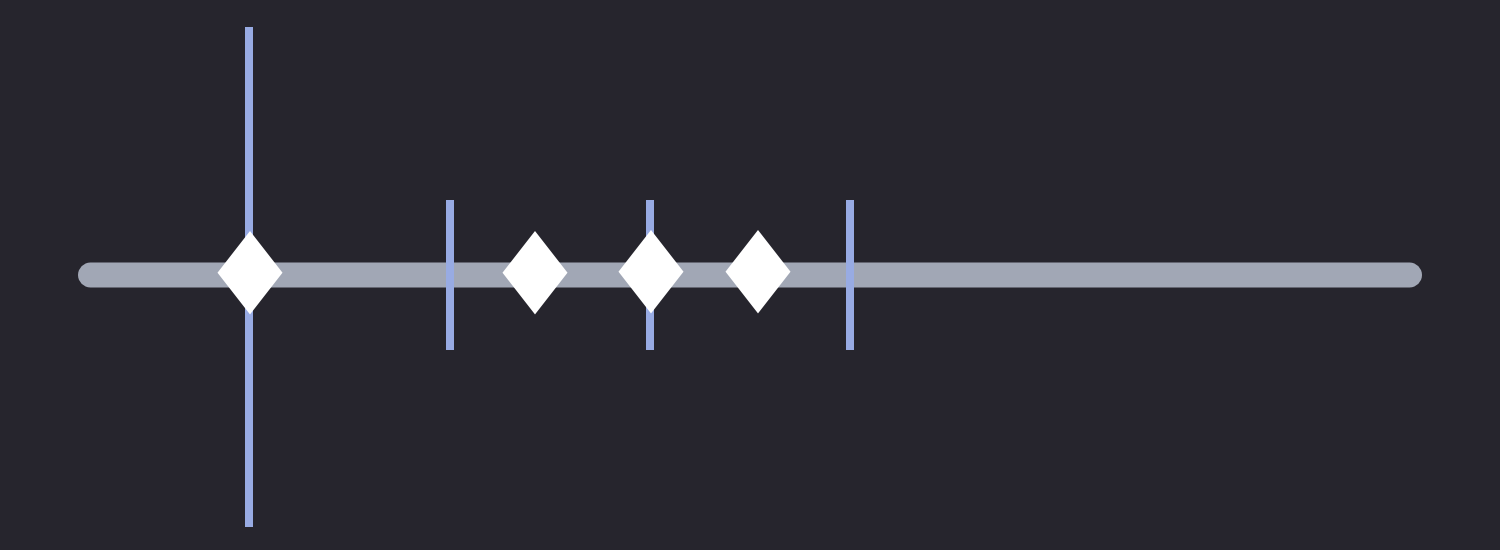
Interplay
Layered
Layered timing
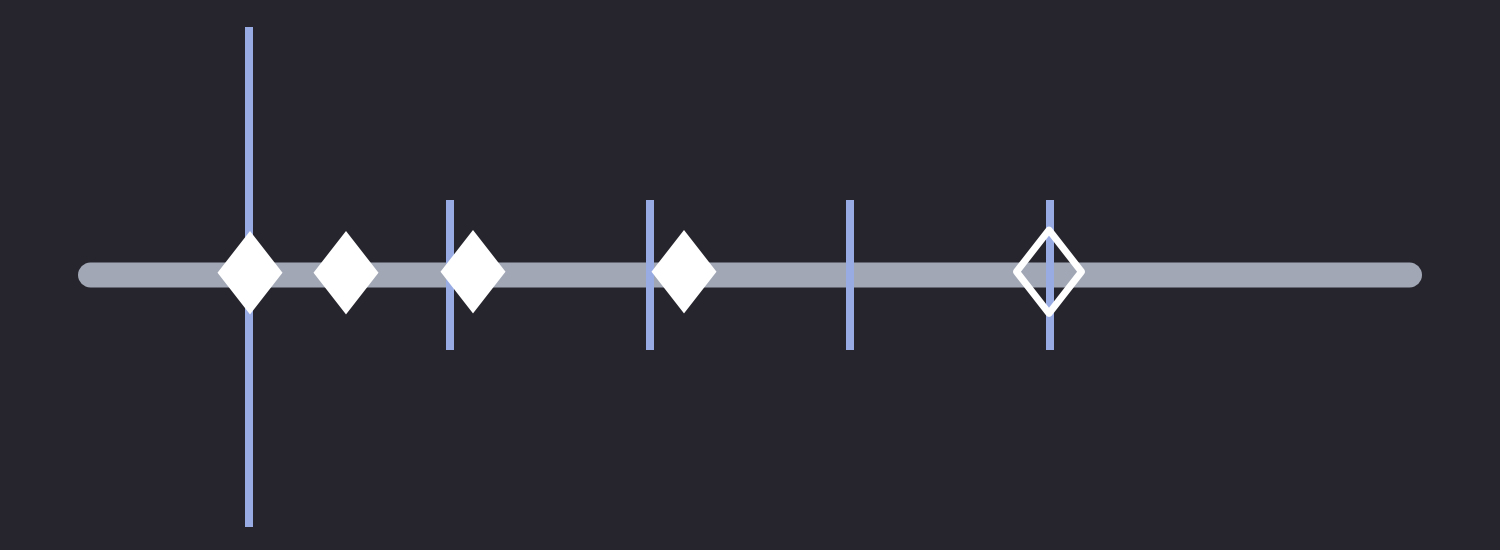
Organic
Variation
Fibonacci timing
Timing becomes visible, editable, and repeatable
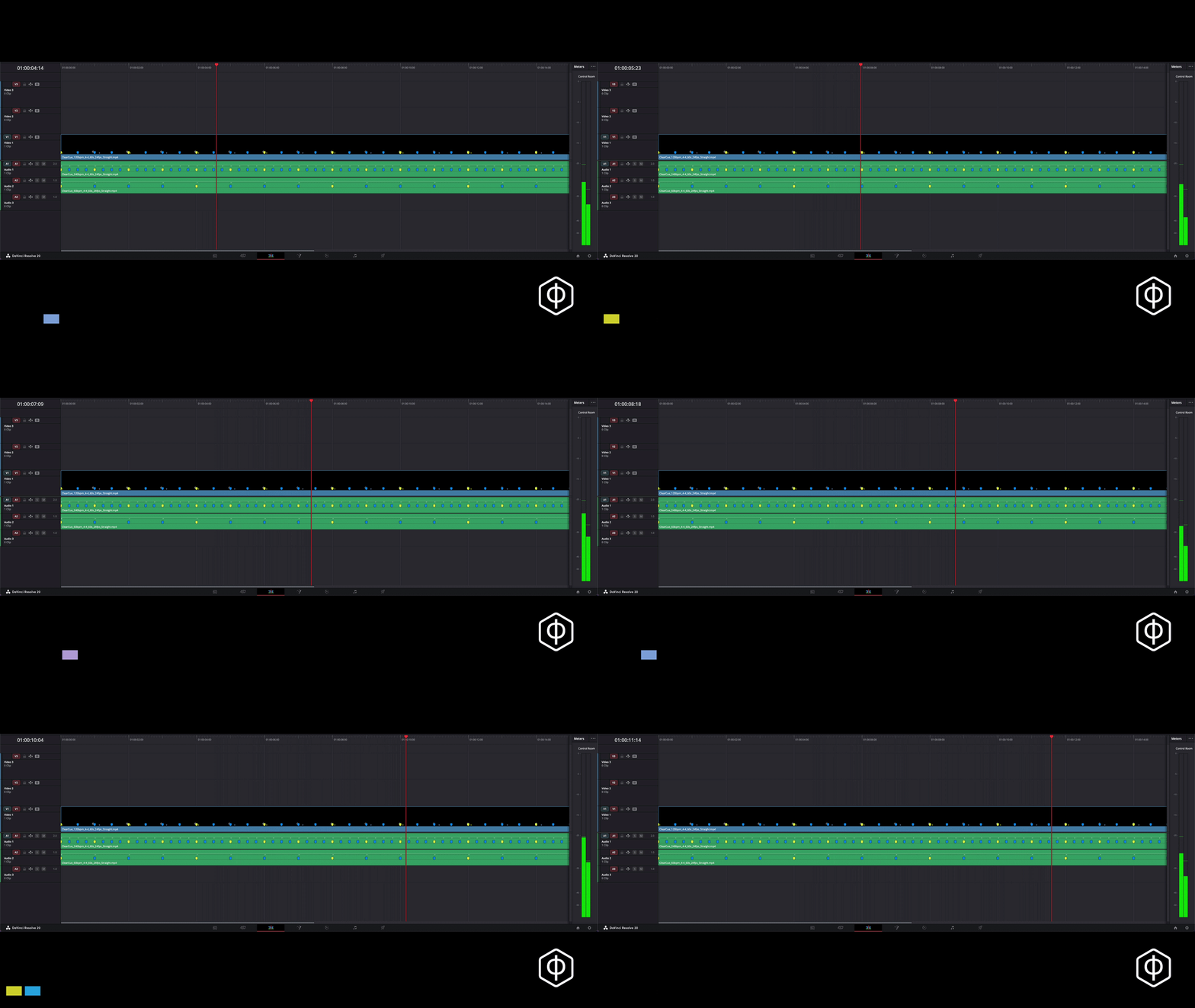
See it in action
ClearCue Solves:
Hidden timing relationships
Unstable pacing decisions
Rebuilding the structure after revisions
Holding temporal flow mentally during edits
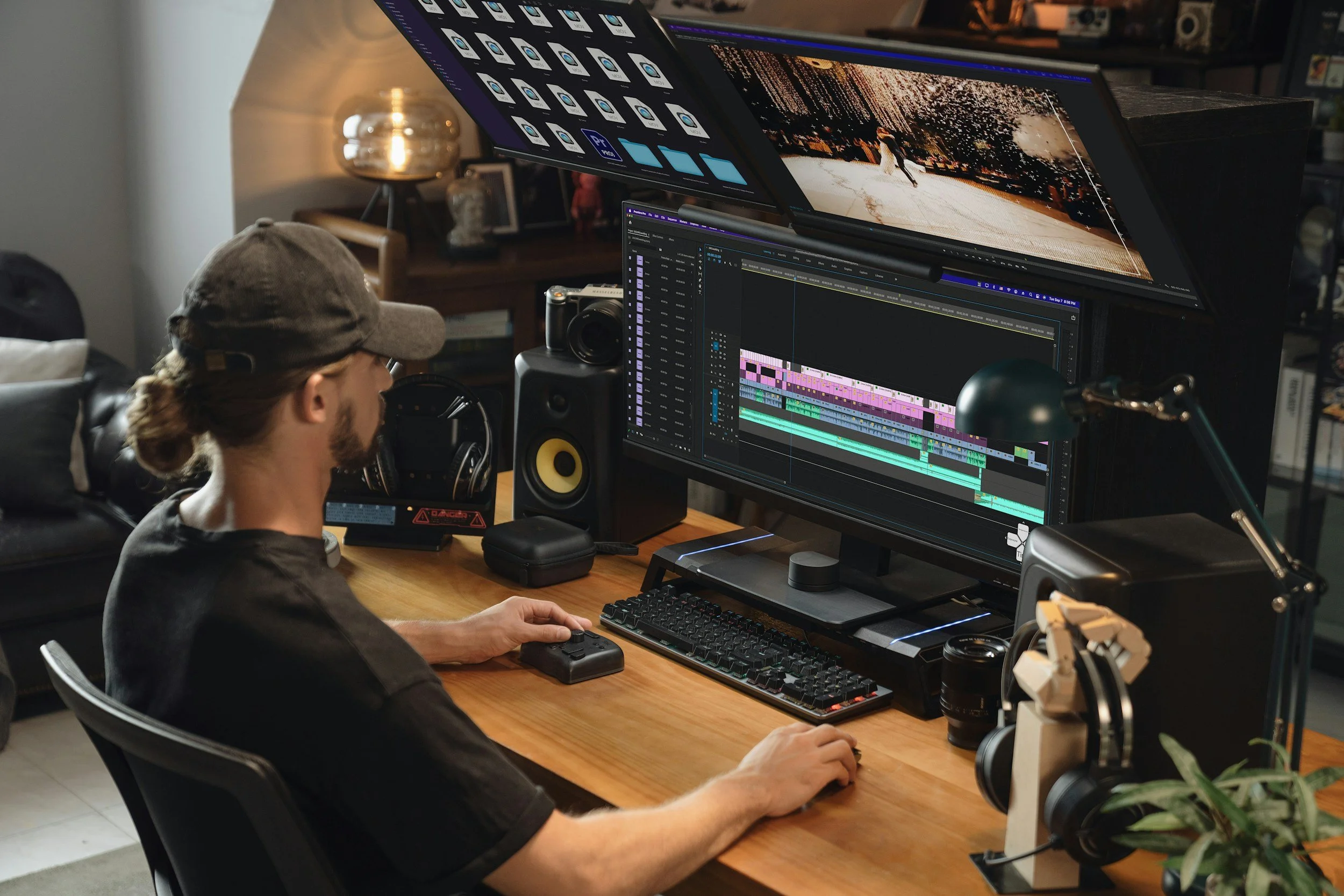
ClearCue
Editing feels easier when timing is visible
Precision timing system for designing pacing, rhythm, and movement visually inside the timeline..
Browser-based. Access forever. No installation. No updating. No setup. Works best with Resolve.
FAQ
-
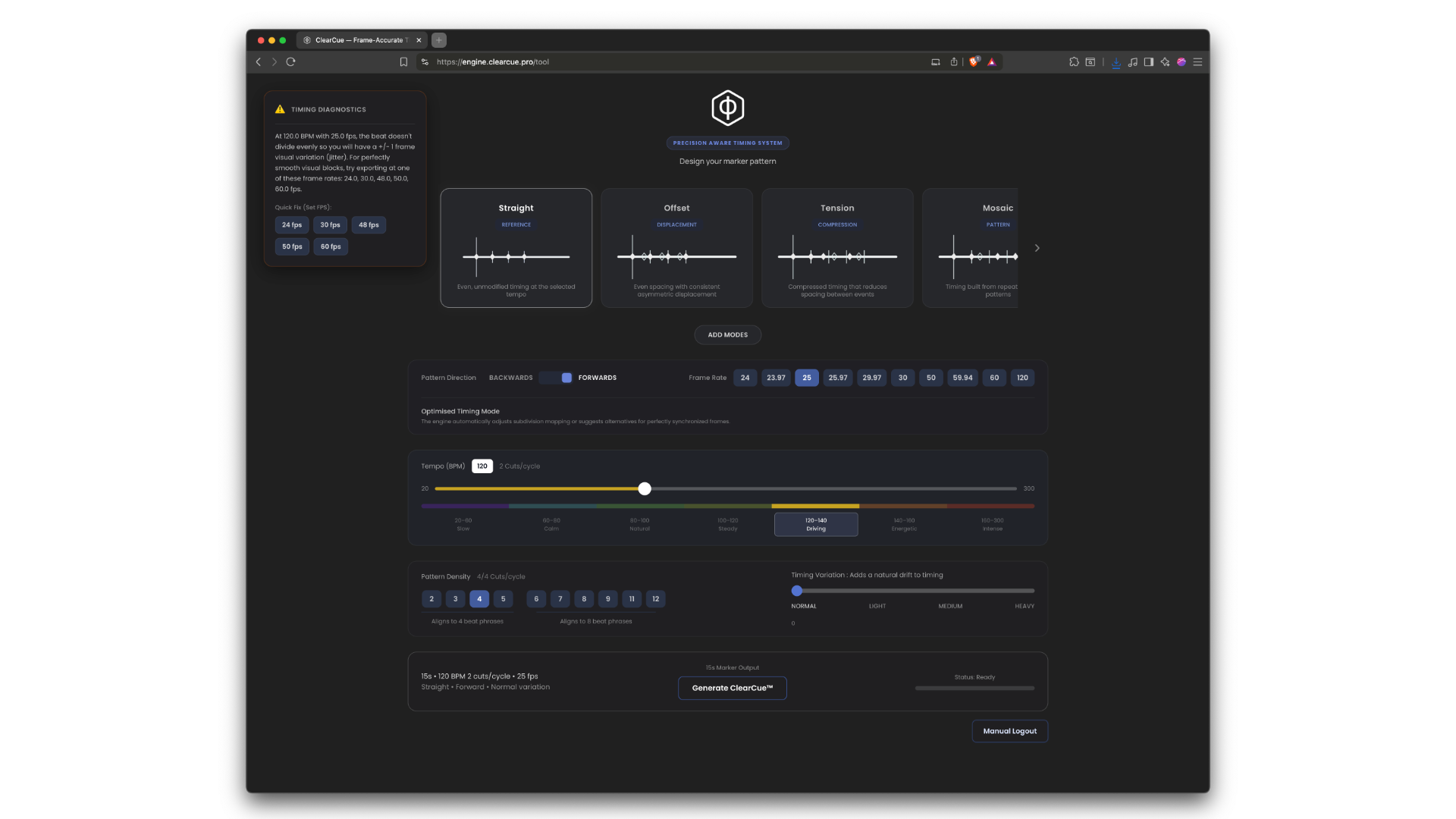
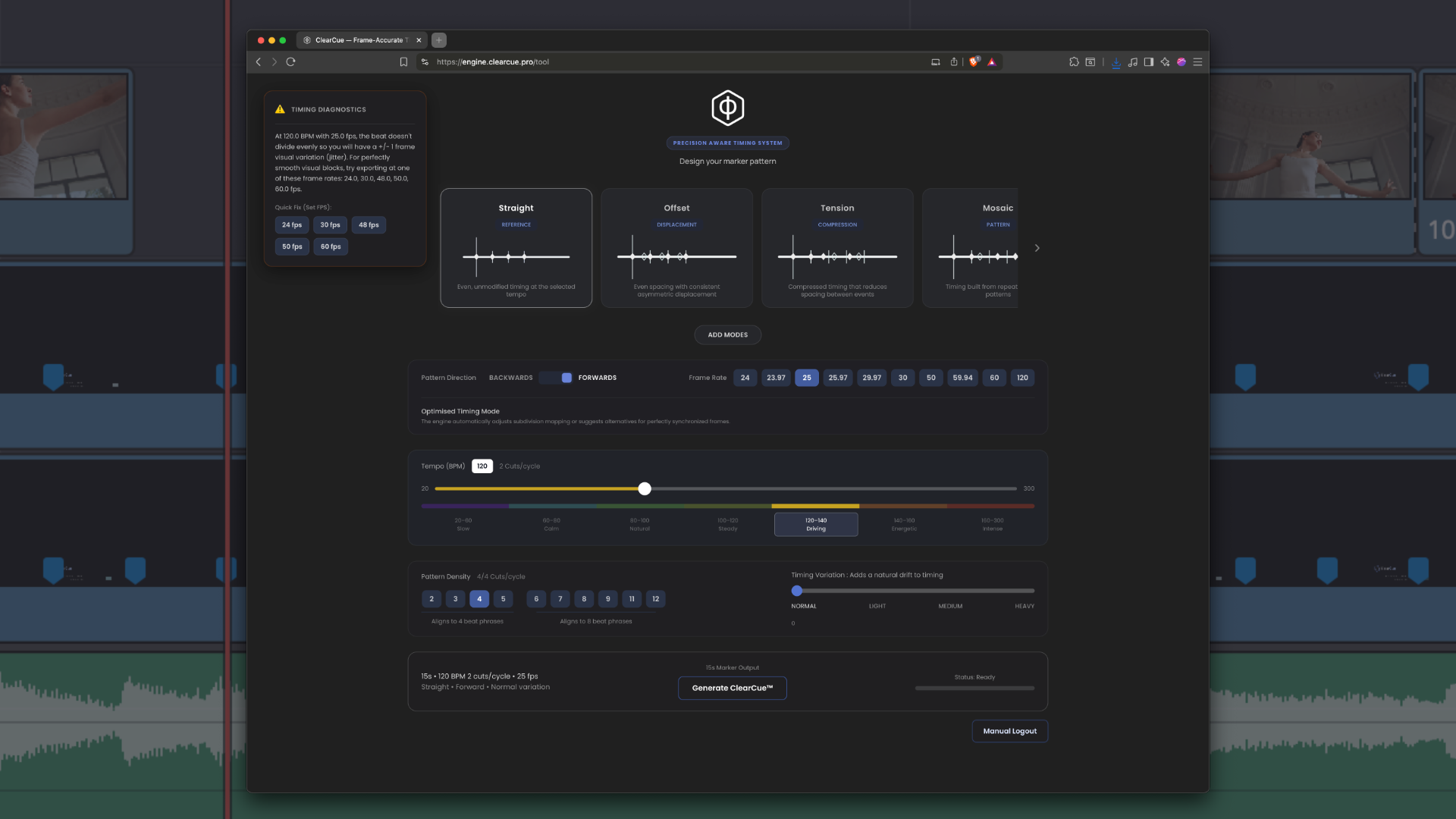
You receive access to the ClearCue timing engine, a browser-based tool that generates frame-accurate timing guides for editing. You can create your own timing patterns, tempos, structures, and variations, then export them as video timing guides for use directly inside your editor.
-
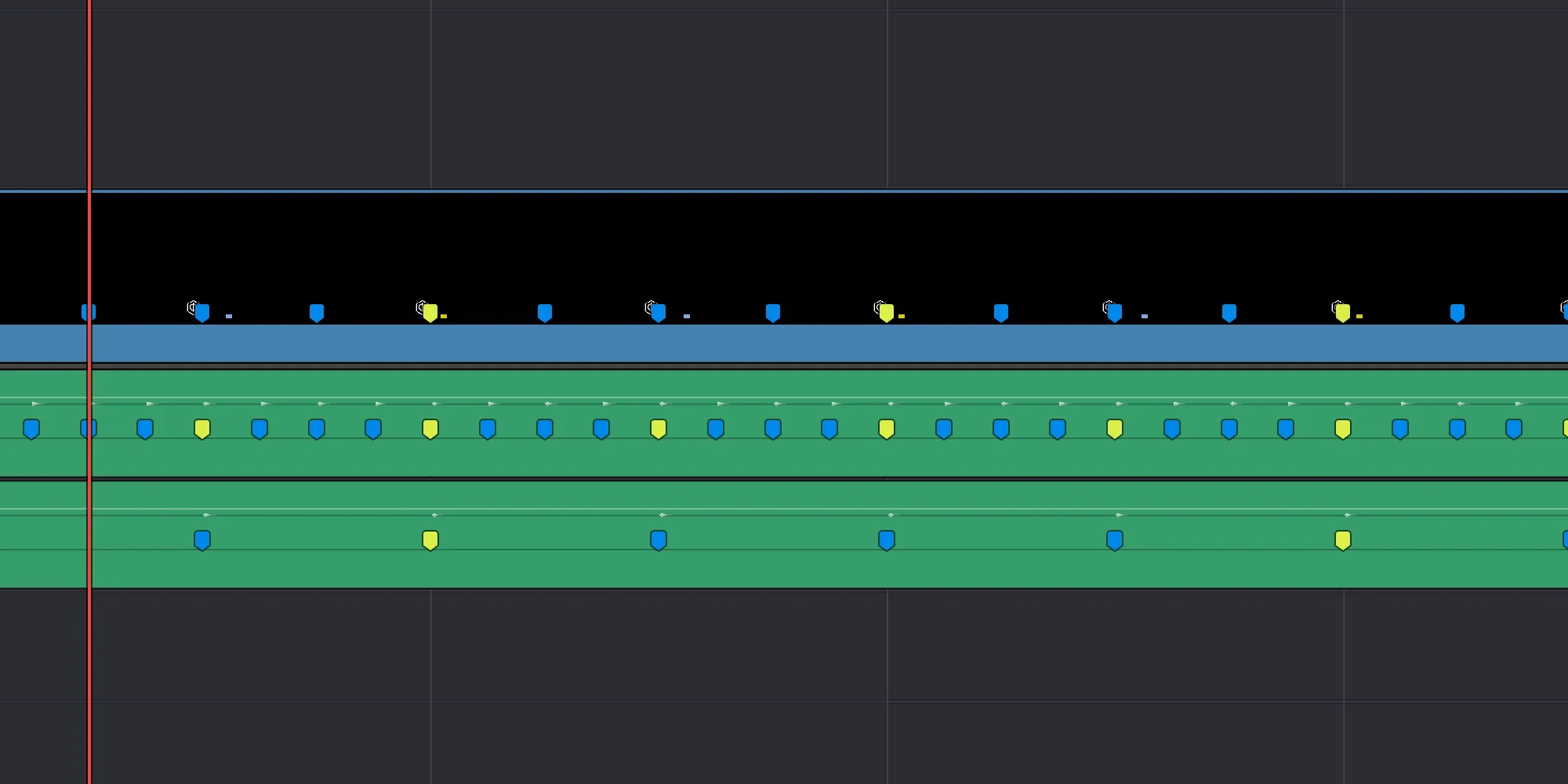
A ClearCue is a timing guide you drop directly into your timeline. It contains visible timing markers and an optional audio click so you can cut against structure instead of guessing pacing manually.
-
Choose a timing pattern, set tempo and time signature, then generate your timing guide. Import the exported file into your timeline like normal media and edit directly against the markers.
-
ClearCue works best in DaVinci Resolve but can be used in any editor that supports standard video files, including:
Premiere Pro
Final Cut Pro
CapCut
Vegas
Avid
Resolve
-
No. ClearCues are standard MP4 media files.
There is:
no plugin installation
no compatibility setup
no rendering extension
no background process
You simply drag them into your timeline.
-
No.
ClearCue is designed to help structure pacing independently from music. You can:
edit silently
design pacing first
add music later
swap music without rebuilding the edit
-
Yes. Many editors use ClearCue alongside music to:
tighten pacing
align cuts more consistently
reduce waveform hunting
revise edits faster
-
Beat detection attempts to infer structure from audio transients.
ClearCue generates structure directly.
This gives you:
stable timing
consistent pacing
editable timing systems
frame-accurate visual references
without relying on waveform interpretation.
-
Yes.
The engine allows you to design custom timing structures using:
tempo
density
variation
pattern modes
directional timing systems
You can generate both simple and experimental pacing structures.
-
Yes.
Many editors stack multiple timing guides to:
test pacing options
compare structures
layer movement systems
build more complex edits
-
Yes.
Because ClearCues are media files, they can be:
cut
trimmed
duplicated
stacked
saved
reused
like any other clip in your timeline.
-
The engine supports common editing frame rates including:
24
25
30
48
50
60
120
Additional frame rate support may expand over time.
-
Yes.
Engine updates are included with purchase.
-
No.
The ClearCue Engine is a one-time purchase.
-
No.
ClearCue is a deterministic timing system designed for direct creator control. Nothing is automated, generated, or edited using AI.
-
Most editors hold pacing mentally while editing.
ClearCue externalises timing into a visible structure directly inside the timeline. This reduces cognitive load and makes pacing easier to manage over long edits.
-
ClearCue is designed for:
video editors
filmmakers
music editors
trailer editors
short-form creators
motion designers
hybrid audio/video creators
especially those who work rhythmically or care deeply about pacing.
-
Video files are:
portable
editable
cross-platform
timeline-native
This avoids plugin compatibility problems and allows ClearCue to work across multiple editing systems.
-
ClearCues are 15s
As the Cues are video files, you can copy and paste them easily to create any duration you want.
Its designed to be like Lego.
-
Yes.
You can use ClearCue in commercial editing work and client projects.
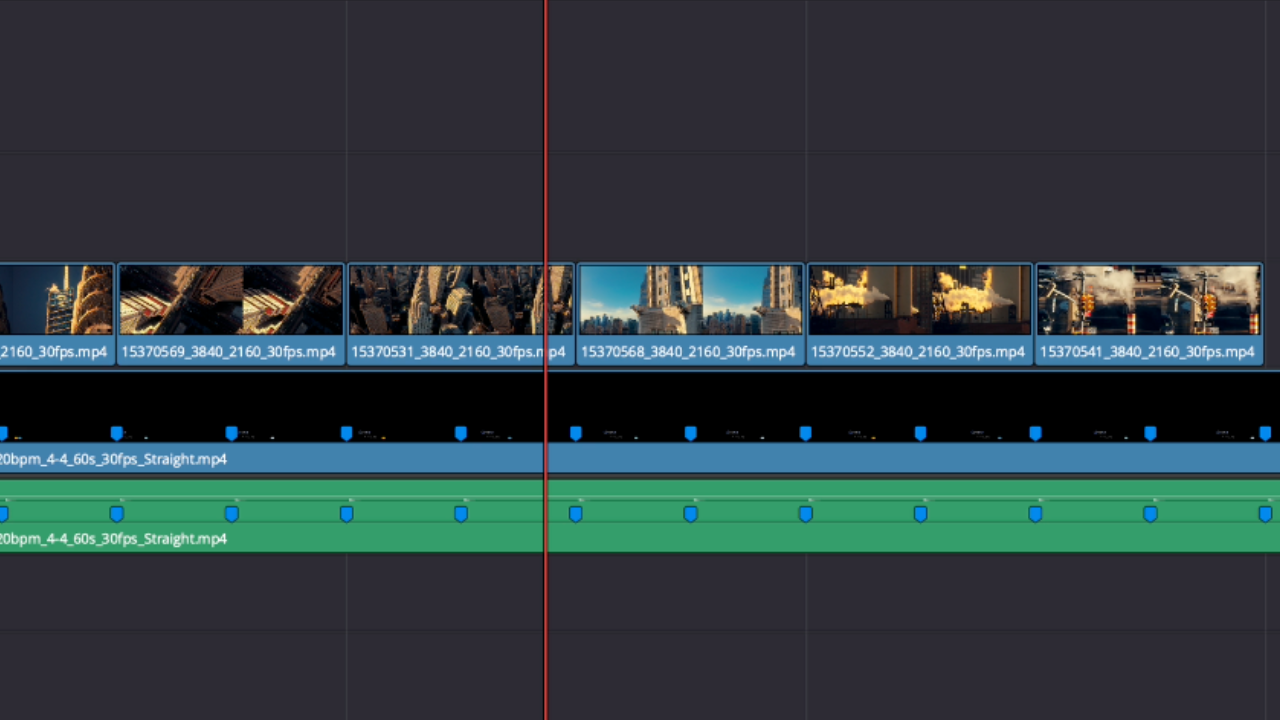
Download 3 for free and drop straight into your timeline
Want to try it out?
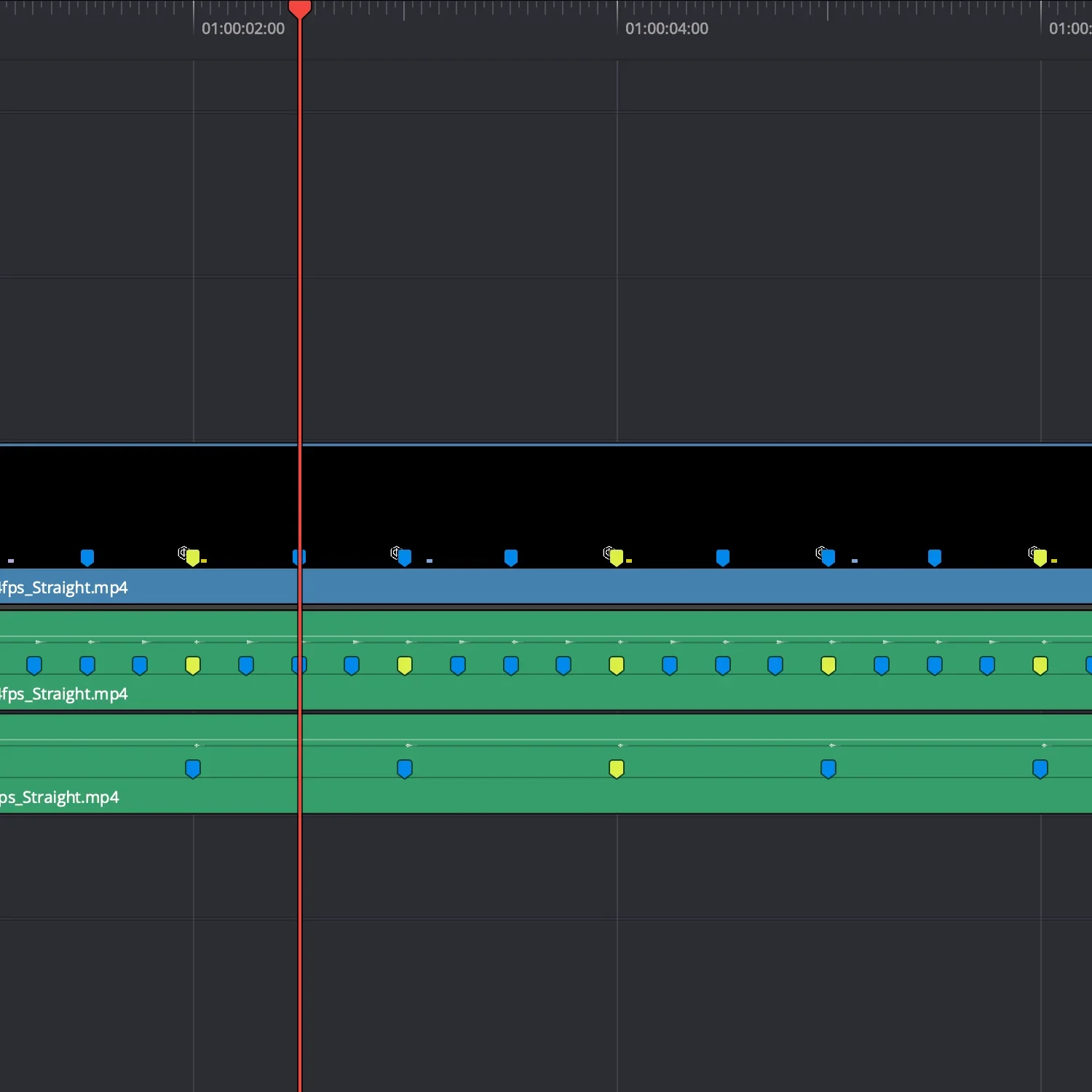
Evenly spaced cuts. Instantly.
3 marker layers. Different tempos. Ready to use.
Cuts line up immediately.
Download. Drop in. Start cutting.
4/4 - 60 / 120 / 240 BPM · 24 / 25 / 30 / 60 fps
Free ClearCues
Evenly spaced cuts at 3 tempos
(60 / 120 / 240 BPM 4/4)
Drop the marker file in. Your cuts land instantly.
No guessing. Just cut on the markers.
Built for Resolve. Works in any editor.
Timing Notes
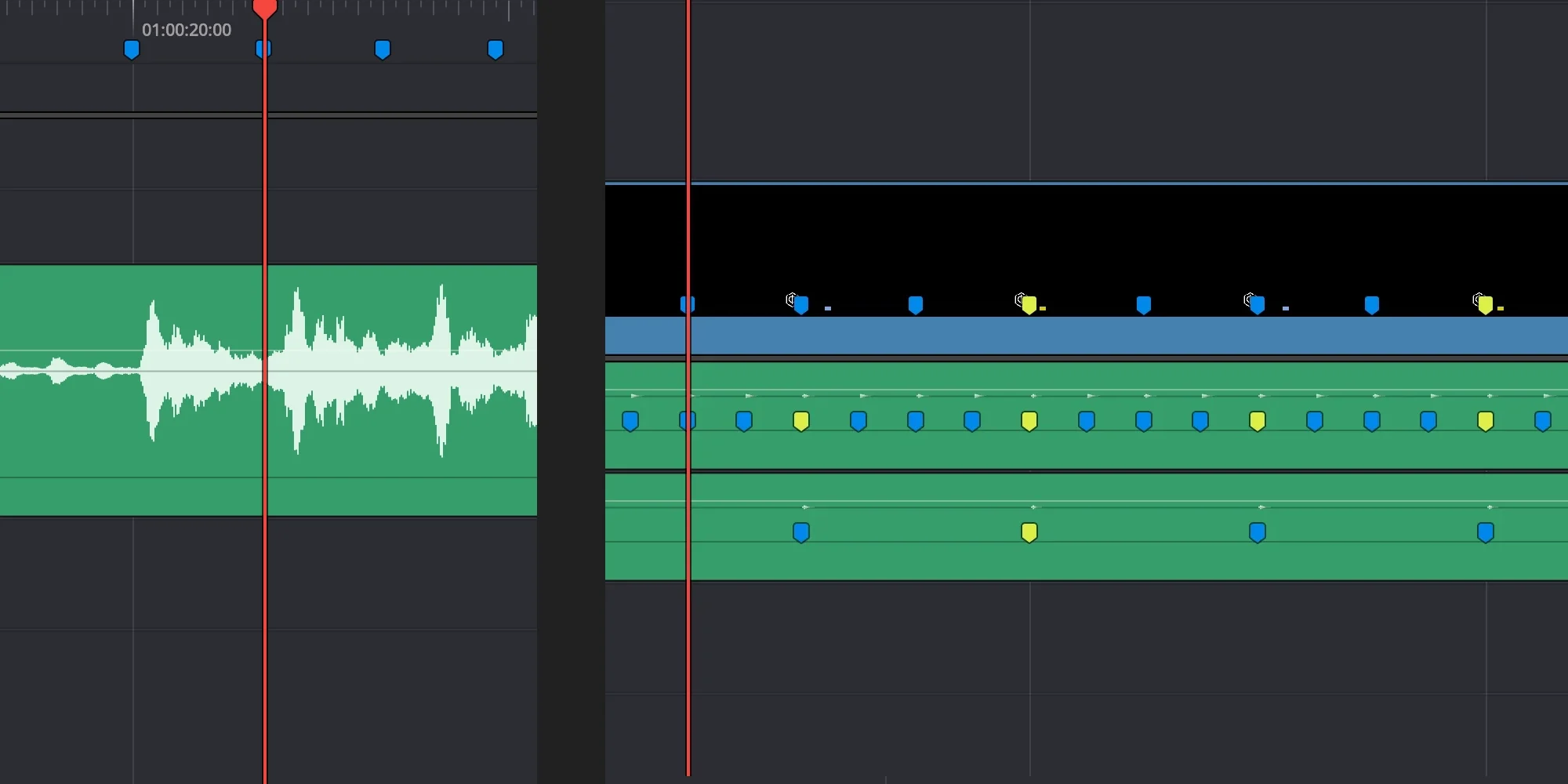
Timing Before Music
Why Beat Detection Isn’t Enough


ClearCue builds tools for working with audio and video.
We are audio producers and composers solving real hybrid workflow problems.
Built between North Wales and the Himalayas.